GPT Image 2
GPT Image 2 is OpenAI's next-gen image model for in-image text rendering, pixel-level editing, and world-knowledge-driven realism. Supports text-to-image and image-to-image with up to 16 reference images.
Real-World Knowledge
GPT Image 2 renders real brands, interfaces, and locations with striking accuracy, pulling on GPT's world knowledge.
Natural Text Rendering
Readable, scene-integrated text — handwritten notes, speech bubbles, signage, posters — in a way previous diffusion models struggled with.
Neutral Color Fidelity
GPT Image 2 has dropped the warm yellow cast that became a signature flaw of GPT-Image-1. Colors feel true to life.
In-Image Text & Multilingual Rendering
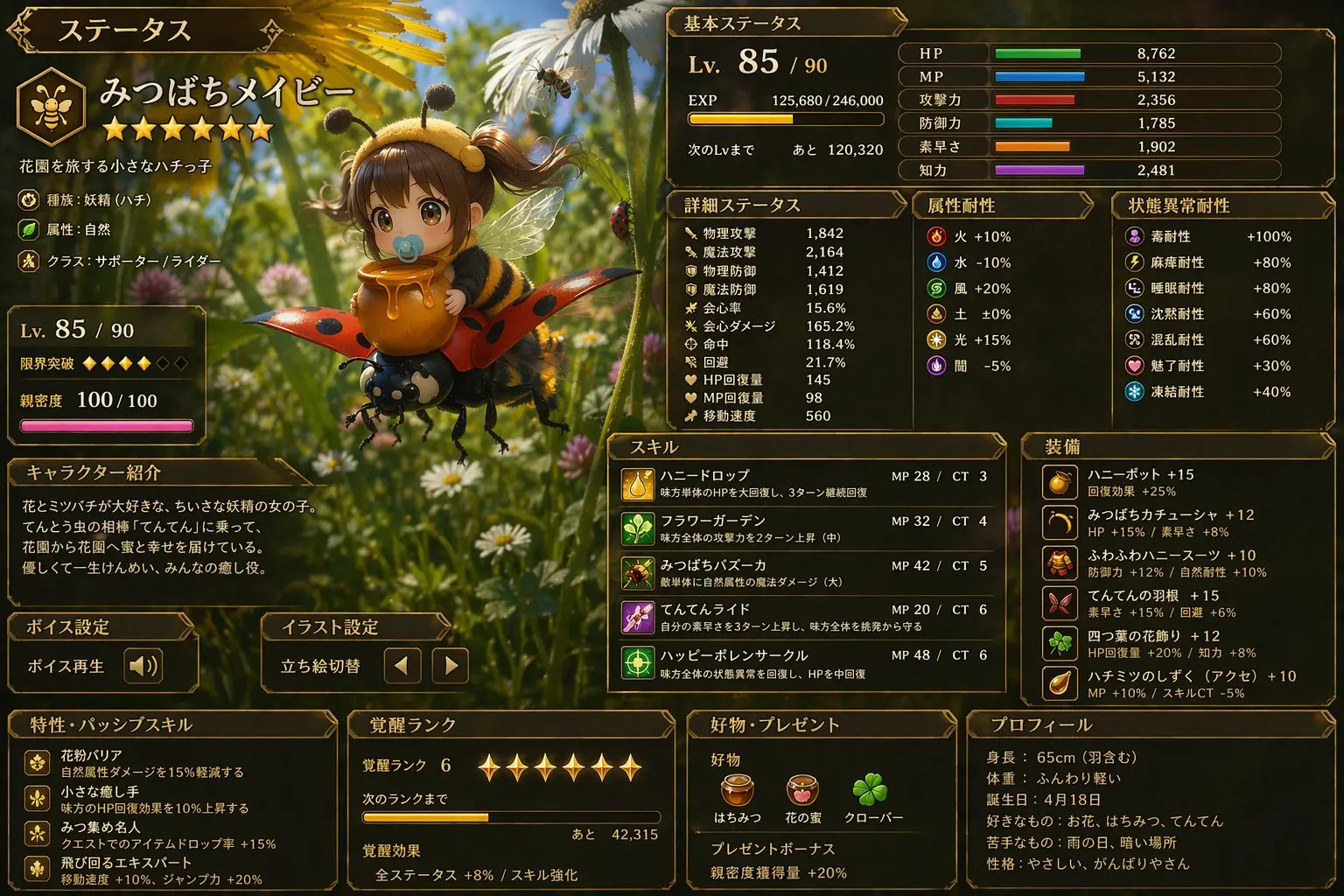
Complex UIs, game HUDs, data tables, multilingual labels — GPT Image 2 renders every line of text crisply and accurately. Historically the hardest single capability for diffusion models; now a strength.
Prompt
A Japanese RPG game status screen: character profile, Level 85, detailed stat tables, skill slots, equipment panel, all rendered in Japanese typography, ornate UI style
JRPG game UI
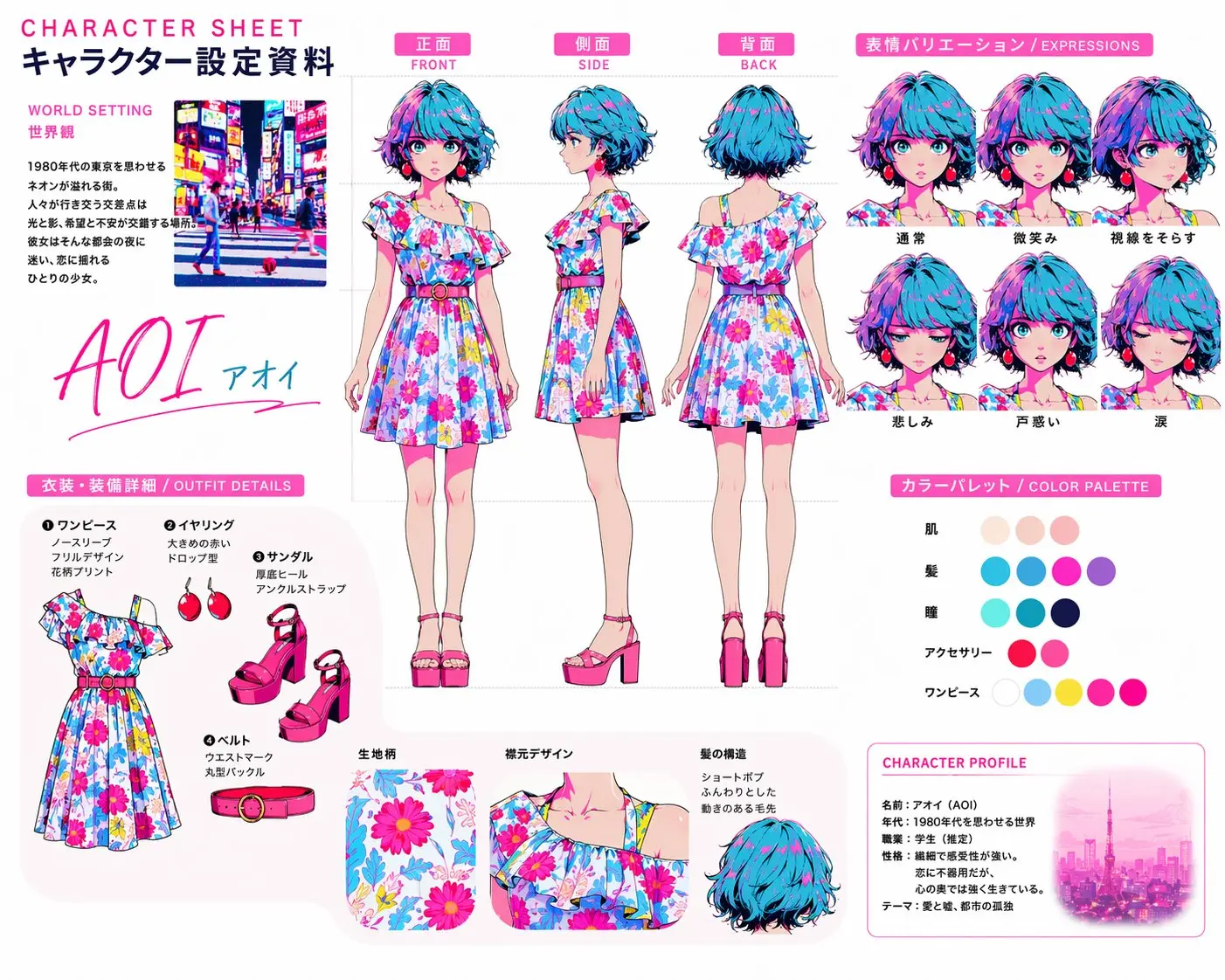
OpenAI-style product pricing page
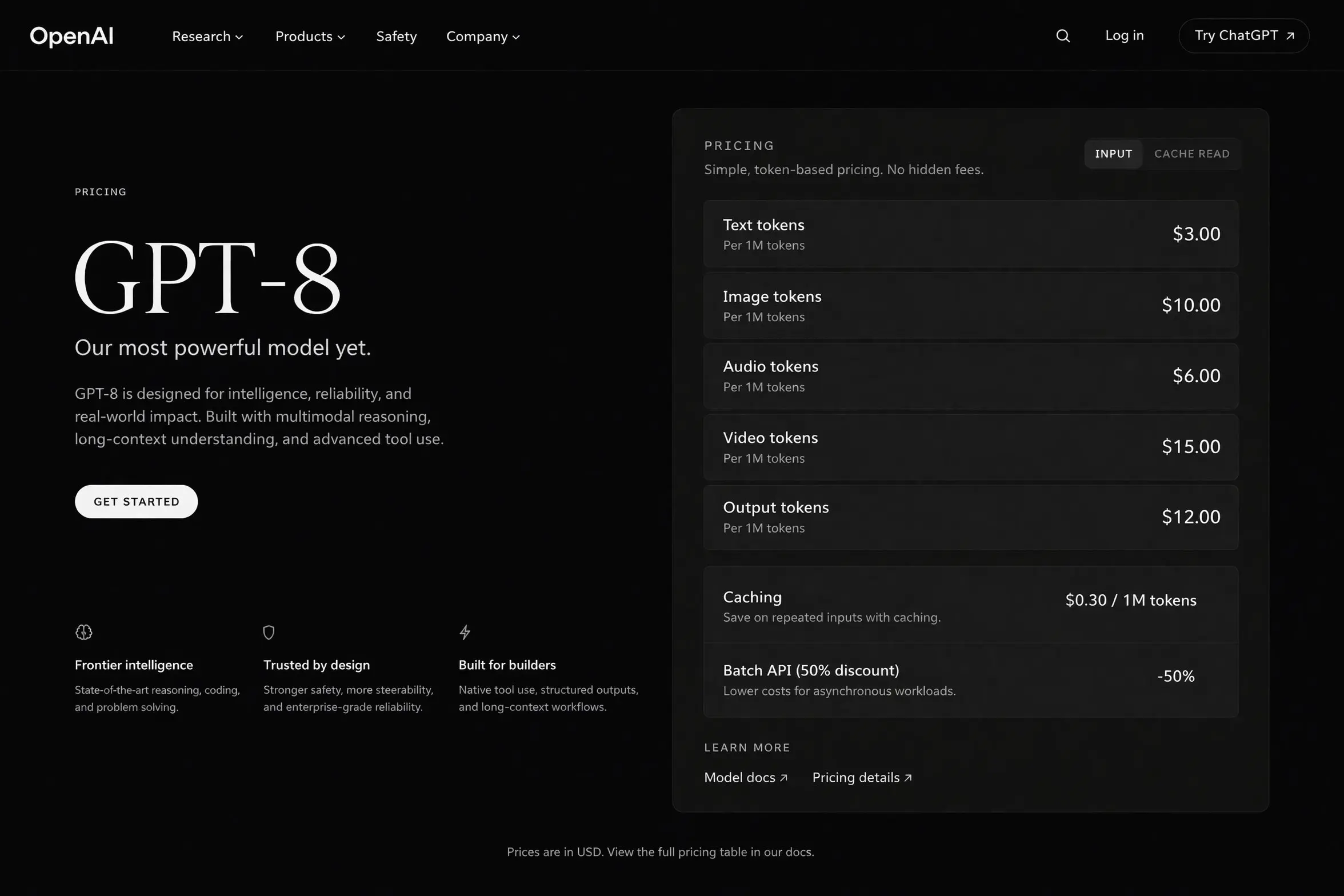
Real-World Knowledge
Geography, layout, brand aesthetics, structural proportions — GPT Image 2 leverages GPT's world knowledge to produce images that are visually credible, not just pretty.
Prompt
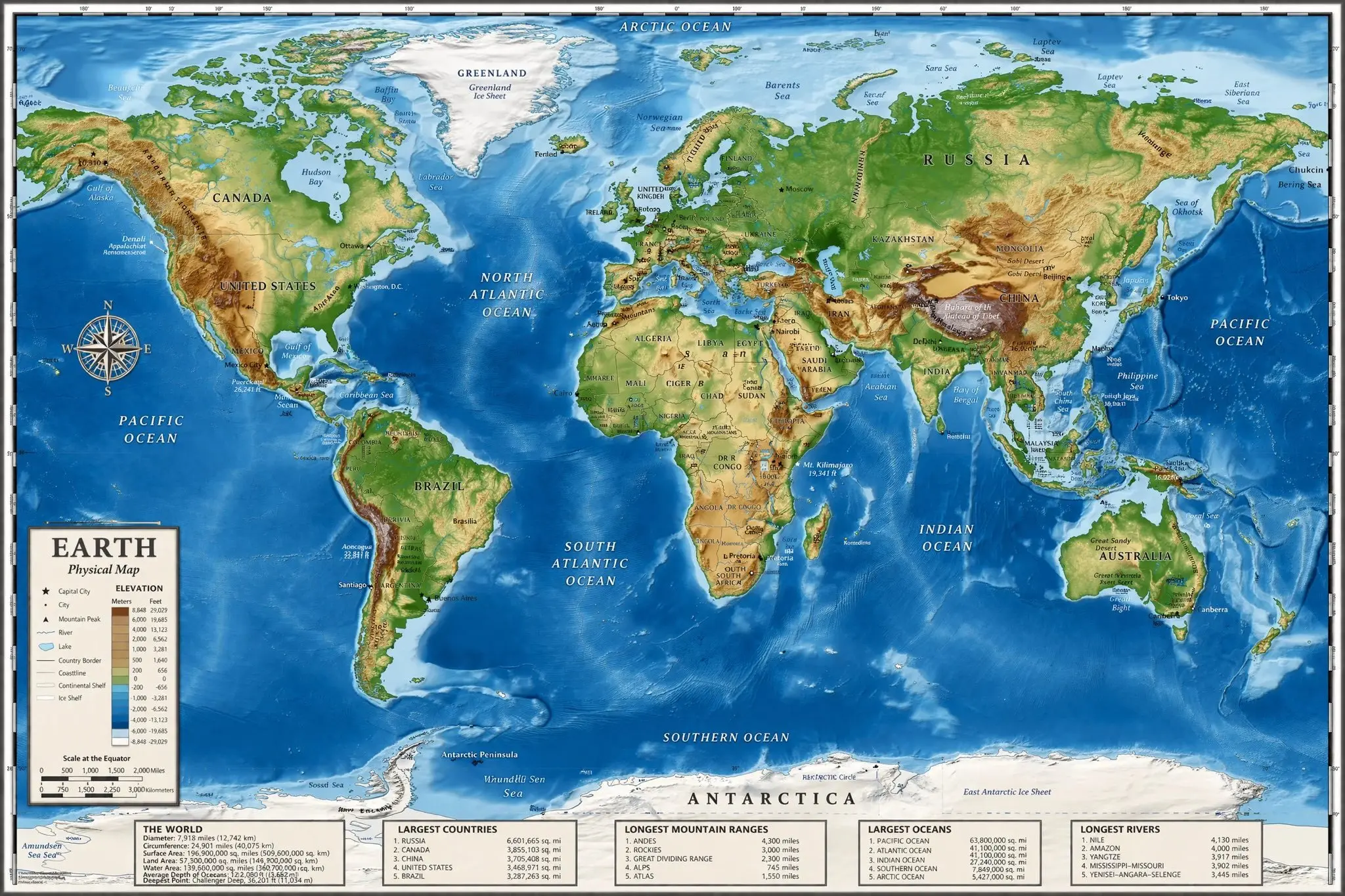
A detailed world physical map, photorealistic terrain shading, country and ocean labels, with legend tables at the bottom showing longest mountain ranges, longest rivers, and deepest oceans
World physical map
Anime character design sheet
Complex Scene Composition
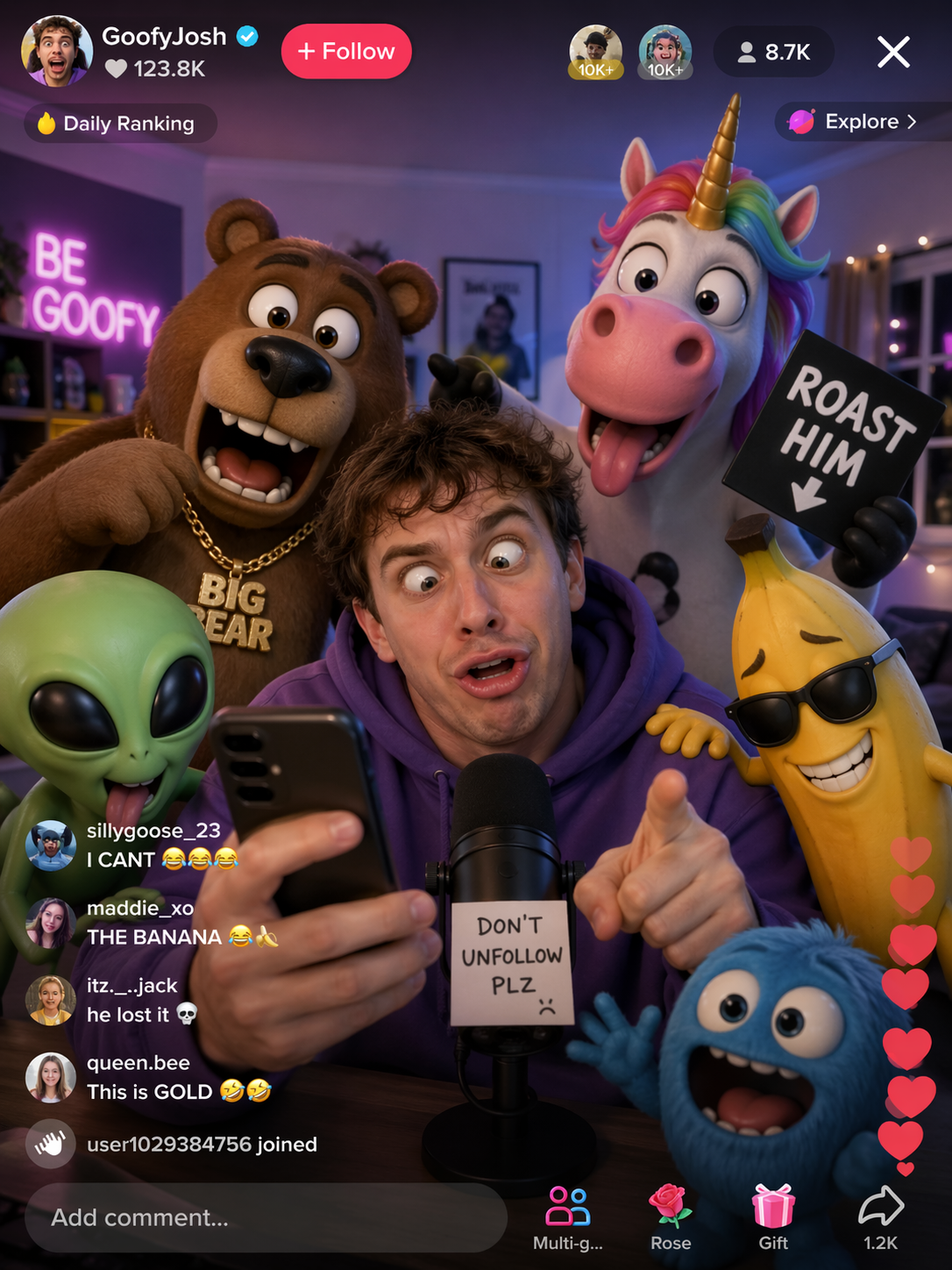
Multi-subject, multi-layer scenes that mimic real UI — GPT Image 2 orchestrates a dozen elements into one frame while keeping focus and avoiding visual chaos.
Prompt
A TikTok livestream UI screenshot: a purple-hoodie streamer laughing into the phone, surrounded by 3D cartoon characters (big bear, unicorn, alien, banana) reacting with exaggerated expressions, profile avatars and rolling comments on the top, floating heart reactions on the right
Mock TikTok livestream scene
How to Use
- 1
Describe your scene
Write a concrete, detail-rich prompt. GPT Image 2 handles long multi-clause descriptions without dropping details.
- 2
(Optional) Upload reference images
Drop in 1-16 reference images when you want to preserve structure from the original. GPT Image 2 automatically switches to image-to-image mode.
- 3
Tap Try in Workspace
Your prompt opens directly in Workspace, ready to generate.
- 4
Generate and iterate
Refine the prompt, swap references, iterate fast. 4 credits per image with no resolution upcharge.
Try GPT Image 2 now
OpenAI's next-gen image model. 4 credits per image. Tap below to open Workspace and start creating.
Try in WorkspaceFrequently Asked Questions
What is GPT Image 2?
How is it better than the previous generation?
Does it support text-to-image and image-to-image?
How does pricing work?
GPT Image 2 vs Nano Banana Pro — which should I use?
Also Try
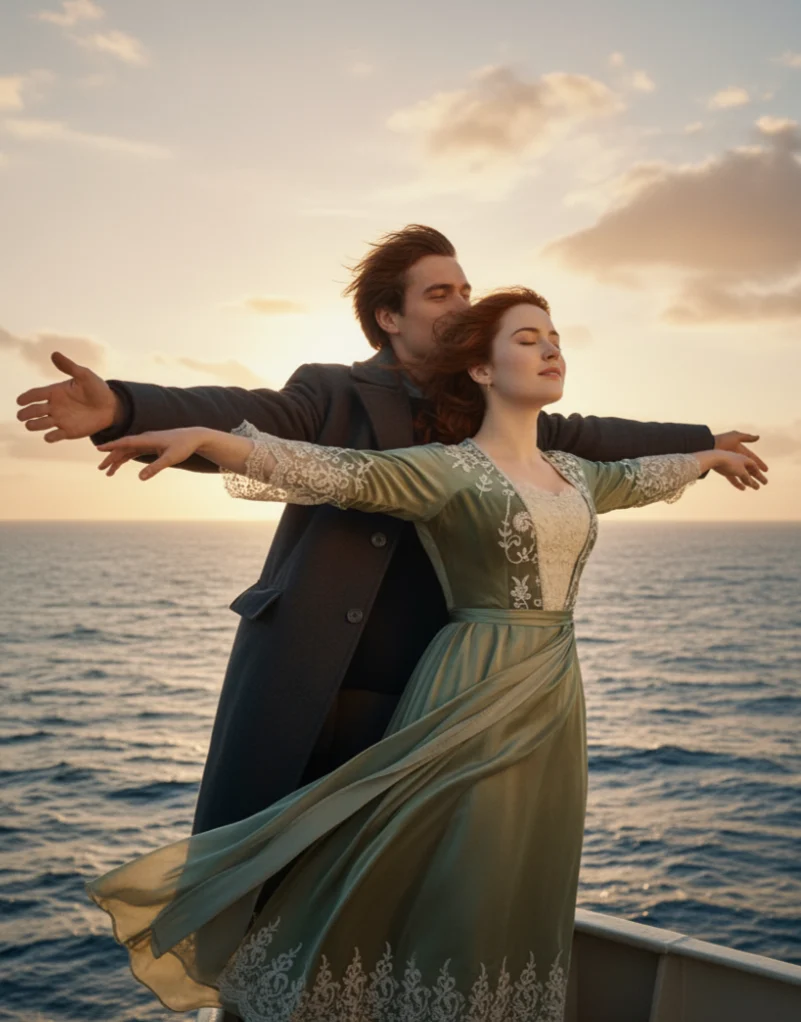

Nano Banana
Generate stunning AI images with Nano Banana. Fast, versatile, and free to start. Create beautiful artwork, photos, and designs with text prompts.
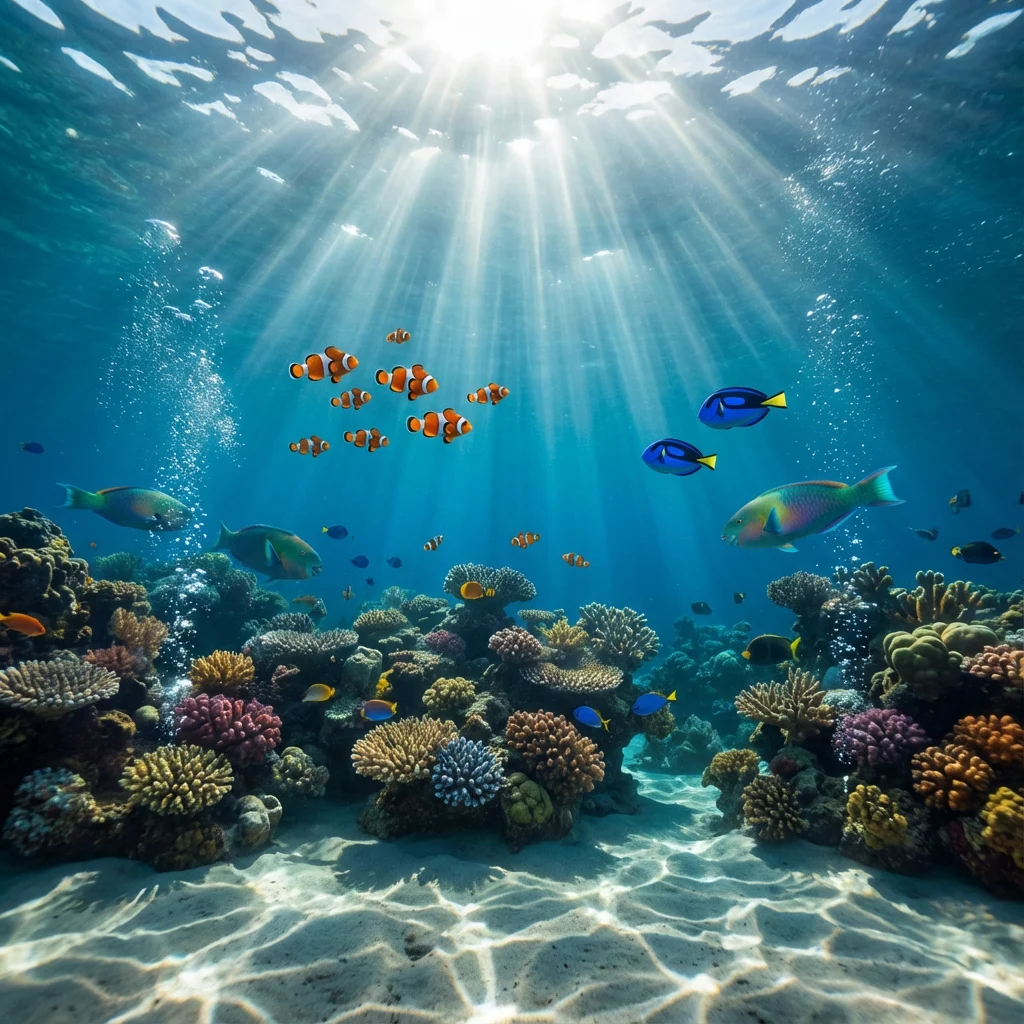
Nano Banana Pro
Professional AI image generation with Nano Banana Pro. Higher resolution, better detail, and advanced features for professional creators.
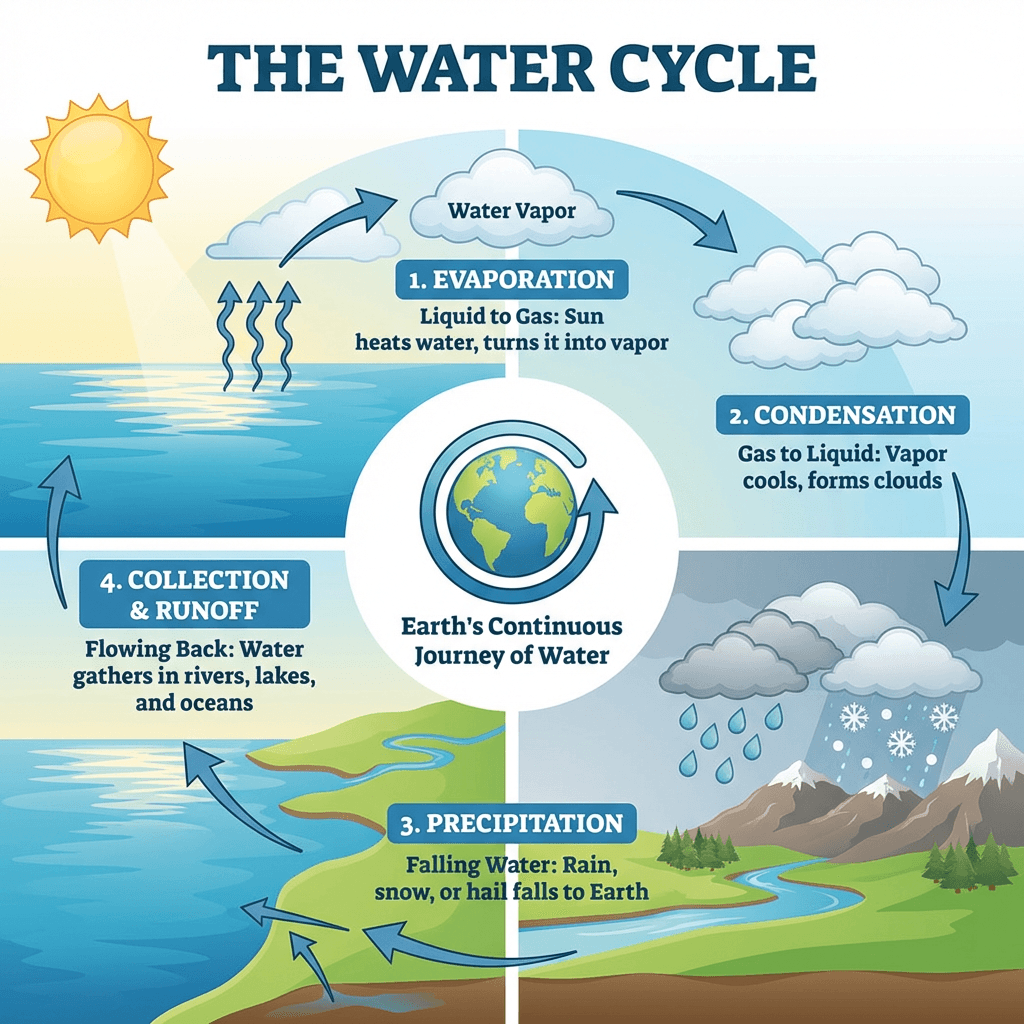
Nano Banana 2
The latest Nano Banana 2 model. More affordable, supports up to 10 reference images, and delivers excellent quality at lower cost.

Z Image
Fast and affordable AI image generation with Z Image. Text-only generation at just 4 credits per image. Perfect for quick iterations.

GPT Image 2.5
GPT Image 2.5 is OpenAI's newest image model, released September 8, 2026. Generate and edit images online with GPT Image 2.5 Flare for speed or GPT Image 2.5 Sunburst for precision: sharper detail, faithful reference photos, targeted edits that leave the rest untouched, and 1K / 2K / 4K output with up to 16 reference images.