Seedance 2.0
Generate professional AI videos with ByteDance Seedance 2.0. Multimodal referencing, realistic physics, visual consistency, and seamless video extension — all in one model.
Multimodal Referencing
Use text, images, videos, and audio together as precise creative anchors — not just one input at a time.
Realistic Physics & Motion
Smoother, lifelike motion rendering — from flowing water to hair and fabric, every movement feels natural.
Rock-Solid Consistency
Keep characters, products, and style details locked from the first frame to the last. No more AI drift.
Next-Gen Multimodal Referencing
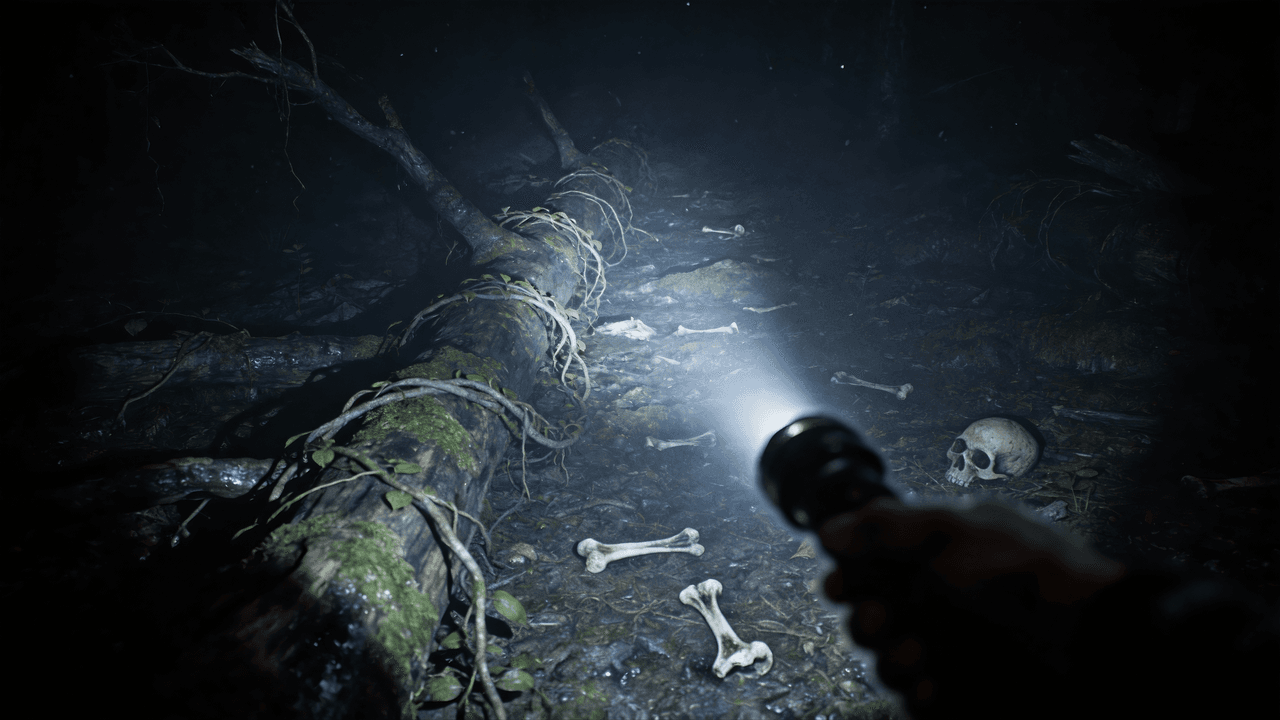
Upload a combination of assets — character images, a background video, an audio track — and Seedance 2.0 synthesizes them with pinpoint accuracy. It understands exactly which part of your reference to keep, from lighting mood to camera movement.
Reference Image 1
Reference Image 2

Reference Image 3

Reference Image 4
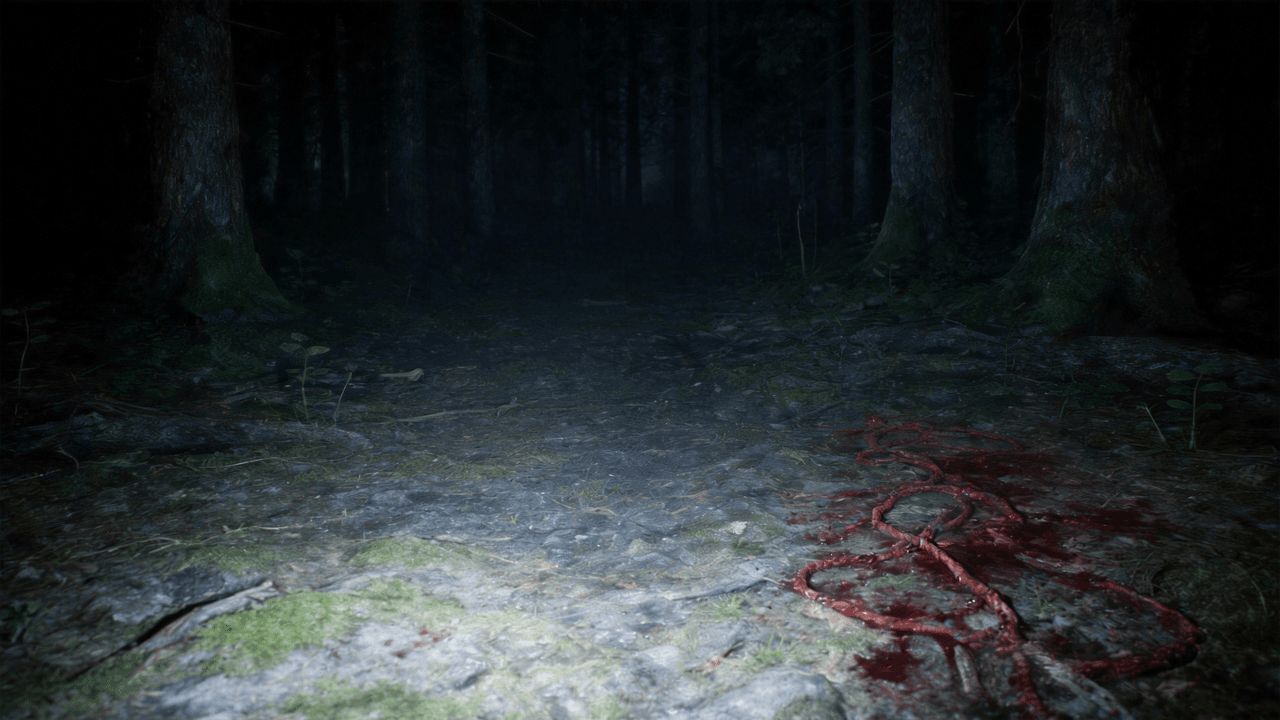
Reference Video
Output Video
Realistic Physics & Real-Life Motion
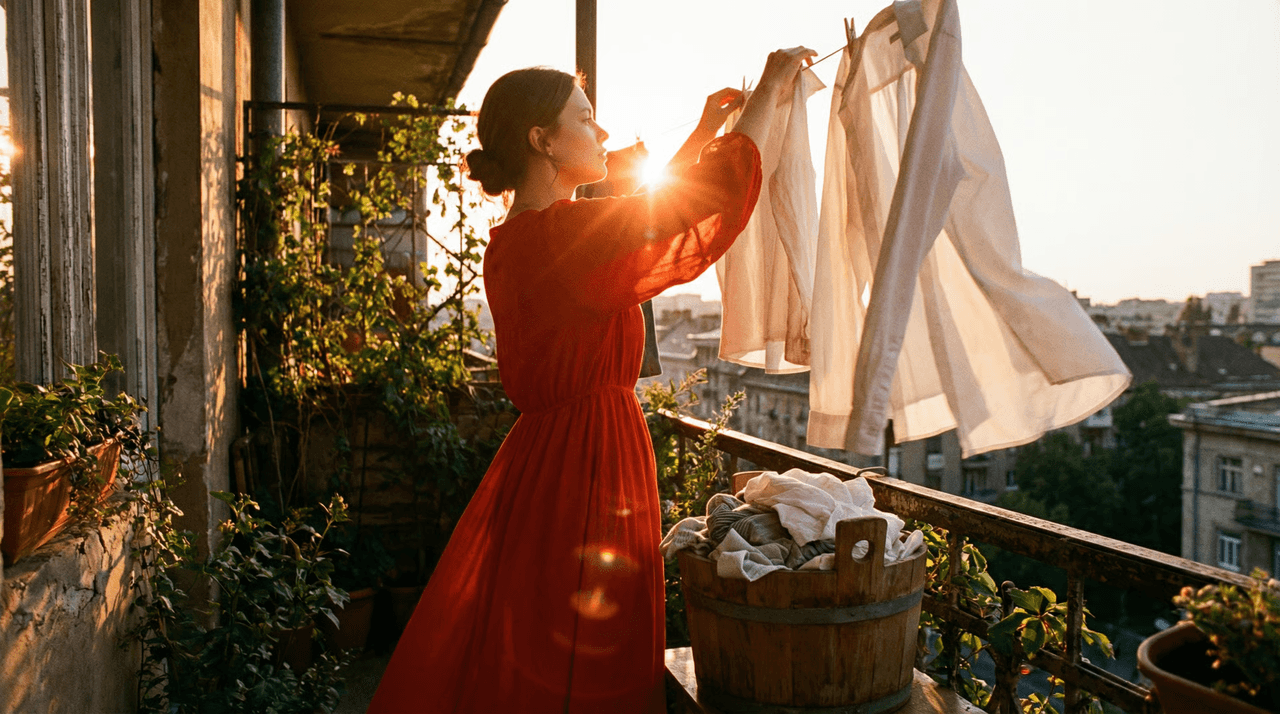
Base-level motion has been significantly strengthened in 2.0. Every movement — flowing water, human hair, fabric — is more stable, smoother, and more realistic. Even without complex references, basic text-to-video outputs look professional and lifelike.
Prompt
The girl is gracefully drying the clothes. After that, she takes out another one from the bucket and shakes it vigorously.
Reference Image
Output Video
Unrivaled Visual Consistency
One of the biggest hurdles in AI video is "drift." Seedance 2.0 solves this by locking in details — from the specific embroidery on a jacket to the exact typography on a product label — so your subjects stay identical from the first second to the last.
Product Reference 1
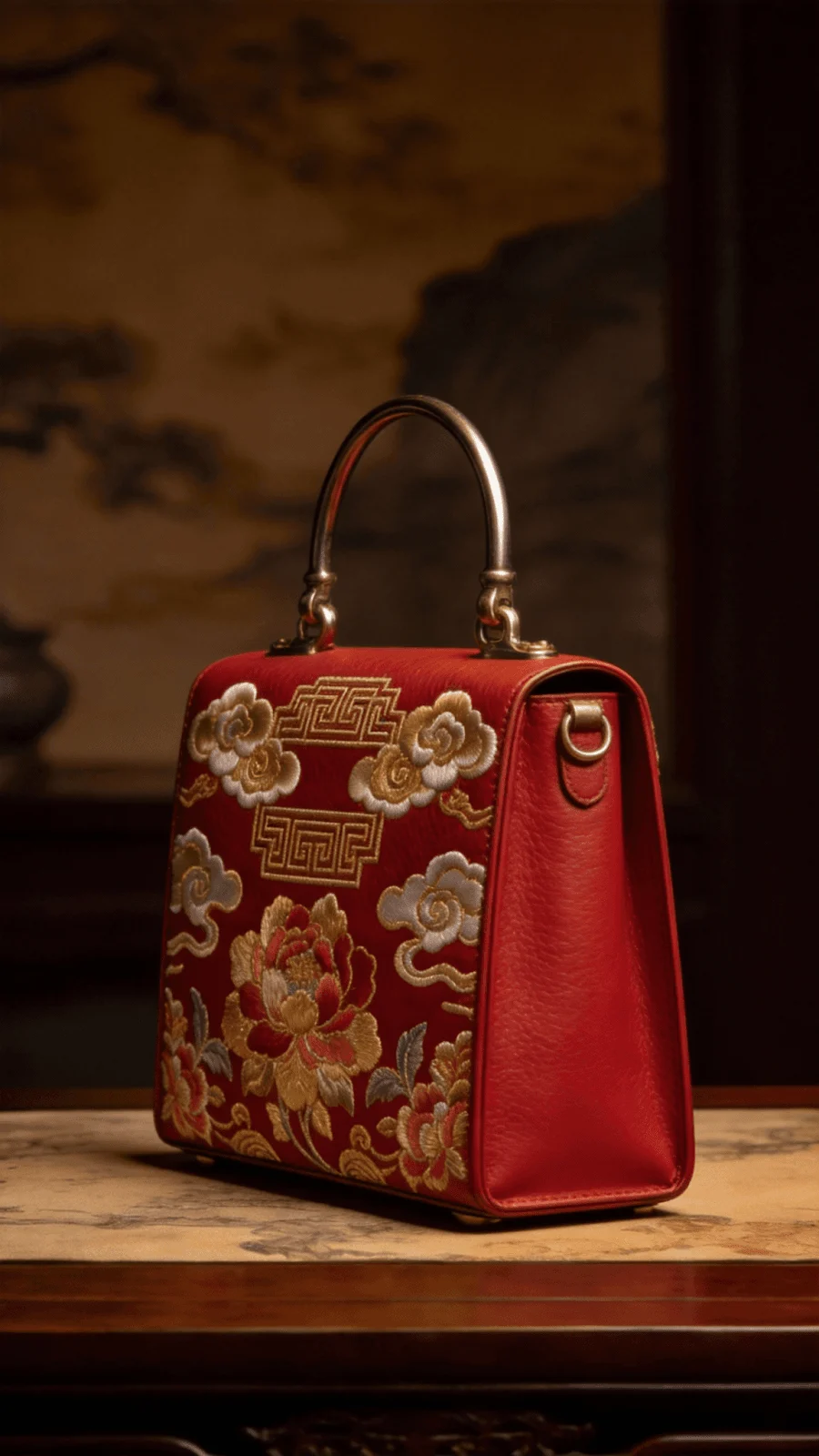
Product Reference 2

Output Video
Precision Creative Replication
Seedance 2.0 can "imitate" the rhythm and structure of reference videos. Upload a clip with a camera movement or transition you love, and the model will replicate that motion onto your own character or scene — professional VFX without a Hollywood budget.
Reference Image
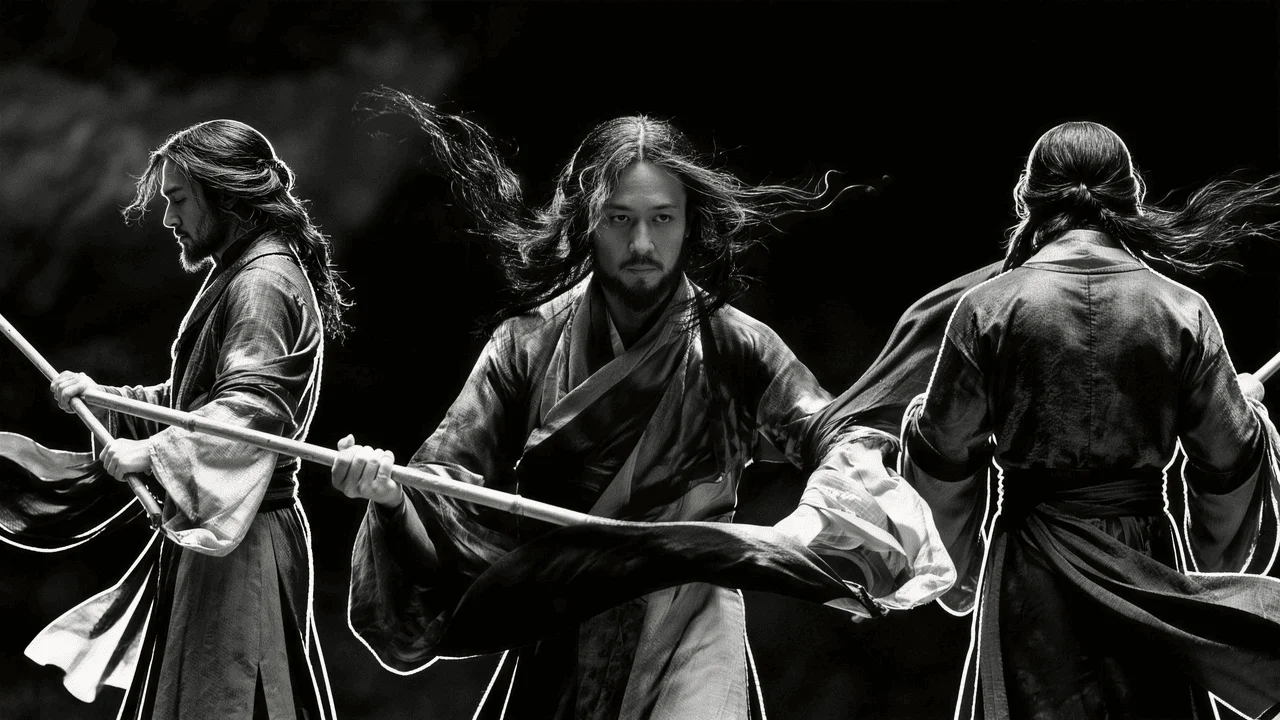
Reference Video
Output Video
Advanced Script & Storyboard Mastery
Seedance 2.0 has a deep cognitive understanding of narrative. By interpreting complex storyboards and detailed text prompts, it generates sequences that follow logical plot progression — perfect for filmmakers and advertisers.
Prompt
Based on the shooting script of the feature film shown in @Image 1, and referring to the shots, camera angles, movement shots, scenes and dialogues in @Image 1, create a 15-second soothing opening sequence about "The Four Seasons of Childhood".
Shooting Script
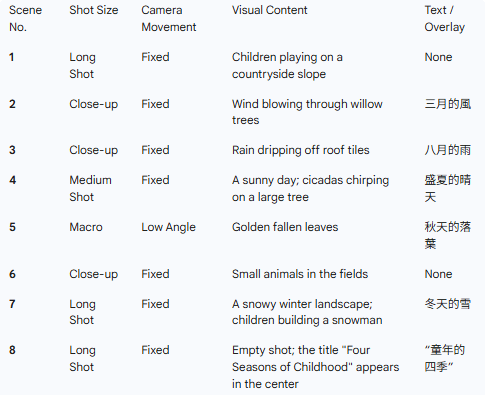
Output Video
Seamless Video Extension
Extend your existing clip forward or backward in time. Seedance 2.0 analyzes the source clip and generates a continuation with perfect environmental and character continuity — useful for building context or lengthening a key moment.
Prompt
Extend 10 seconds forward. Under the warm afternoon light, the shot starts from the row of sunshades swaying in the breeze on the street corner, then slowly lowers to a few daisies peeking out by the wall. Next, the protagonist's red sneakers come into view.
Reference Video
Extended Output
How to Use
- 1
Pick your inputs
Decide whether you're going pure text-to-video, or combining a reference image, video, or audio track. Seedance 2.0 shines when you give it structured guidance.
- 2
Describe the scene
Write a prompt that covers subject, setting, motion, and mood. If you're using references, mention which reference controls what (e.g. "use @Image 1 as the first frame").
- 3
Choose resolution and duration
Pick 480p for fast drafts, 720p for final renders. Duration from 5 to 15 seconds depending on how much story you need.
- 4
Generate and iterate
Hit generate — most clips finish in 1-3 minutes. Tweak the prompt or swap references to quickly explore variations.
Start creating with Seedance 2.0
Multimodal control, realistic physics, rock-solid consistency — all in one model. Try it with free credits.
Open Seedance 2.0
