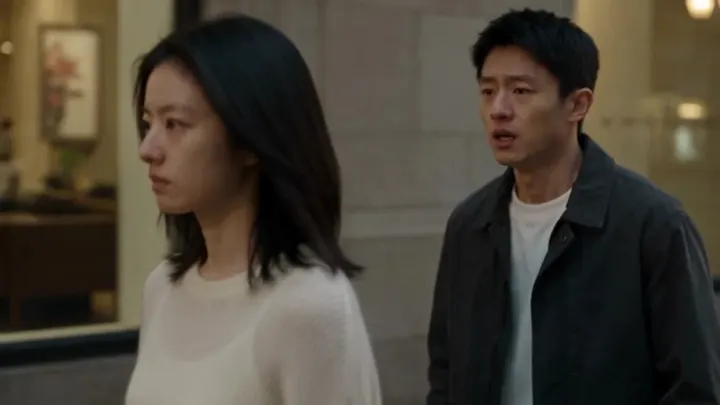
Talking characters
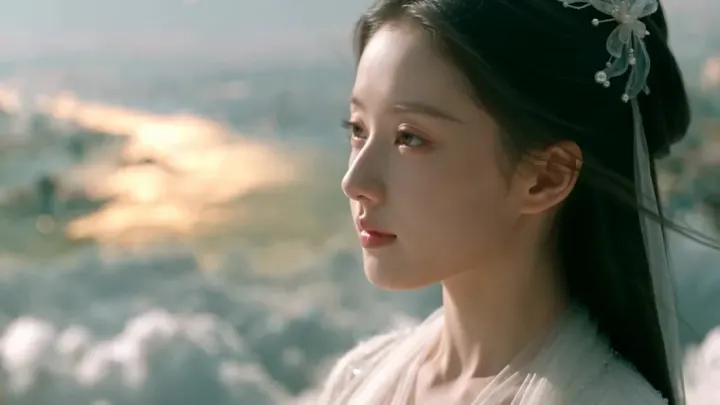
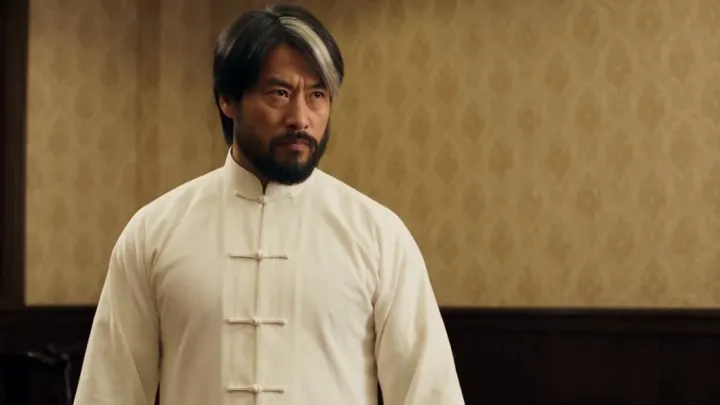
Because MAGI-2 creates speech and picture at the same time, a character can deliver a line with matching lip movement and room sound. Put the spoken line in quotes and say who speaks it.
Write a scene, add a first frame or reference images, and MAGI-2 renders a 1080p clip of up to 30 seconds with dialogue, sound effects and music generated together with the picture.
MAGI-2 takes about 13–20 minutes per clip. You can close this page after you press Generate; the finished video waits in My videos.
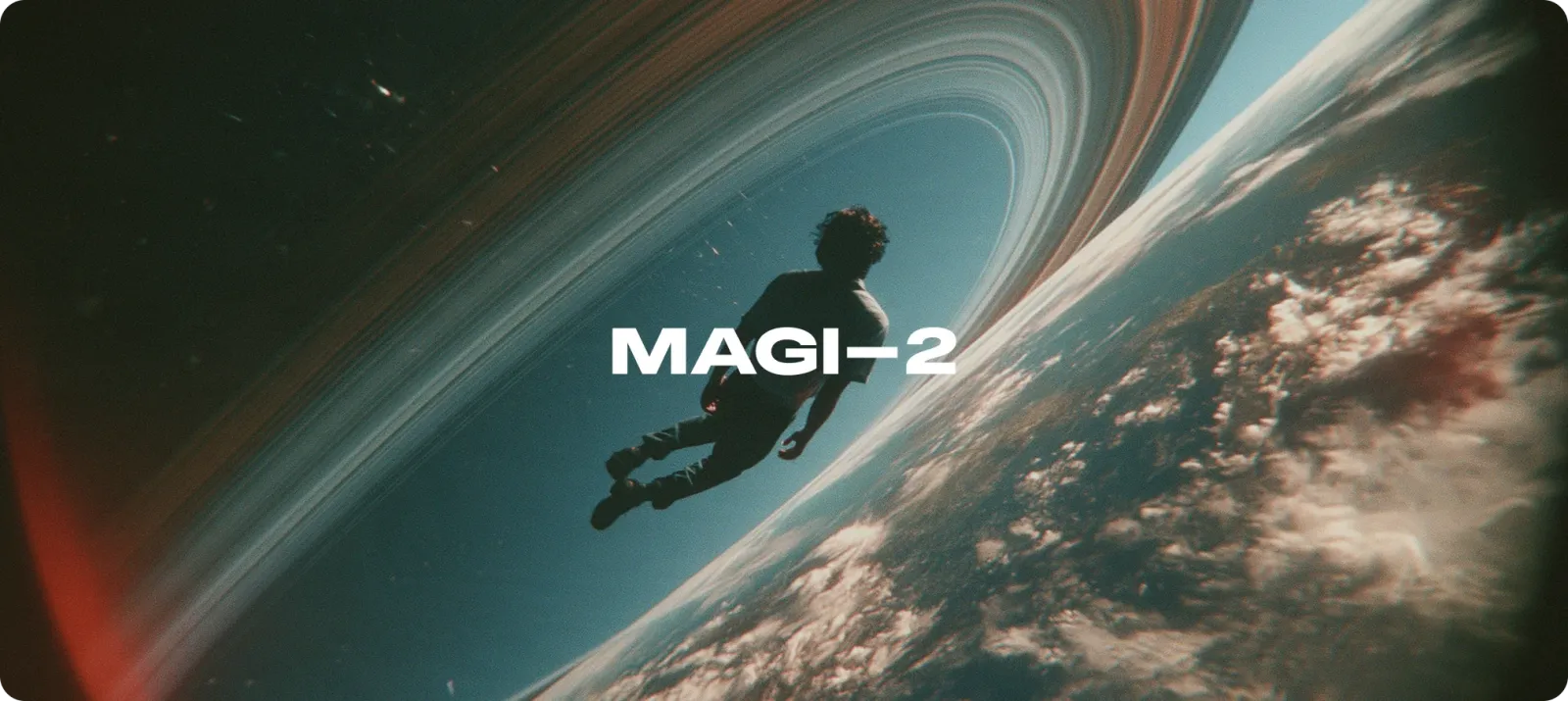
MAGI-2 is the second generation of the MAGI video models from Sand.ai. It launched on November 24, 2026, and it generates video and audio in a single pass, so spoken lines, lip movement, footsteps, room tone and music arrive already matched to the picture instead of being added in a separate tool.
Sand.ai describes MAGI-2 as a 480B-parameter model with about 28B parameters active per step. MAGI-2 renders up to 30 seconds of 1080p video at 25 frames per second, in six aspect ratios, and it can take reference images, video clips and audio to keep characters, products and voices consistent.
People often search for it as MAGI 2 AI. On Nano Bananana you can run MAGI-2 from the generator at the top of this page with no setup and no GPU: write a prompt, pick a length and aspect ratio, and the finished MAGI-2 clip lands in your video library.
What the MAGI-2 generator on this site accepts today, and what each clip costs.
4 s
20 credits
5 s
25 credits
10 s
50 credits
15 s
75 credits
30 s
150 credits
If a MAGI-2 render fails, the credits for that clip are refunded in full.
Four kinds of video where generating sound and picture together makes the biggest difference.
Because MAGI-2 creates speech and picture at the same time, a character can deliver a line with matching lip movement and room sound. Put the spoken line in quotes and say who speaks it.
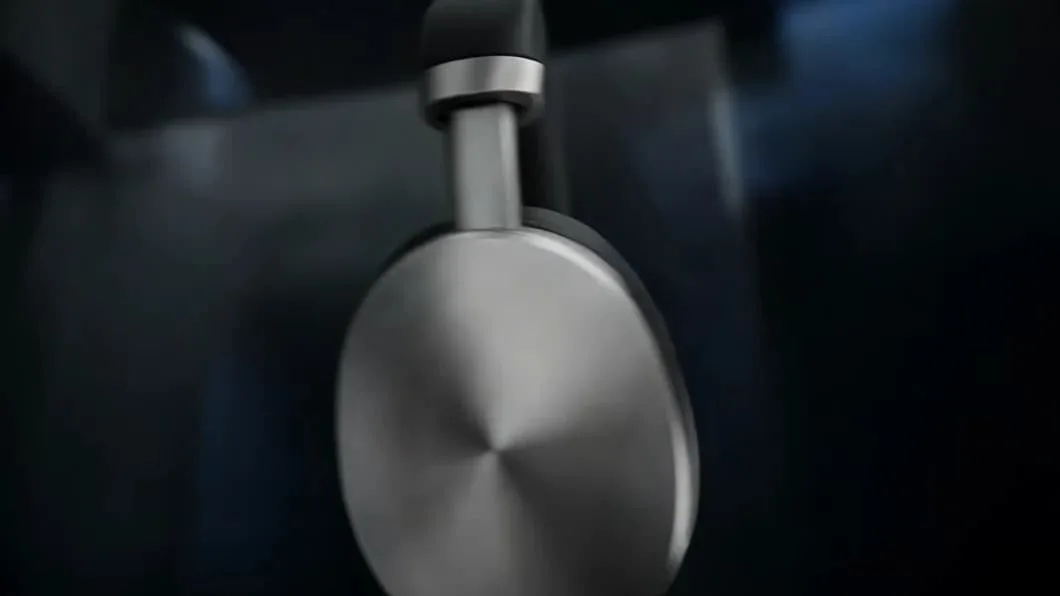
Close-ups that hold texture, controlled studio light and a soundtrack that lands on the cut. Add the product photo as a reference image so the MAGI-2 clip keeps the packaging accurate.
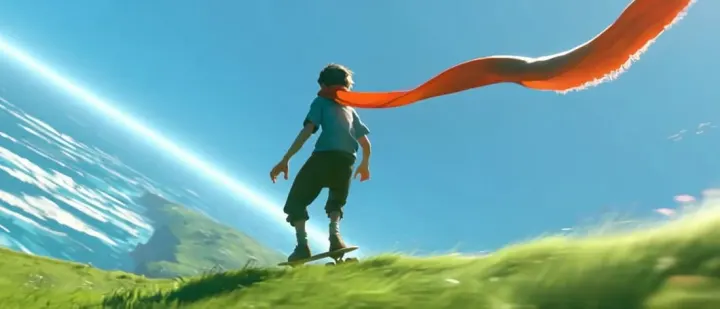
With up to 30 seconds per clip, MAGI-2 has room for a short sequence: a wide shot, a reaction and a close-up. Describe the shots in order and name one camera move for each.
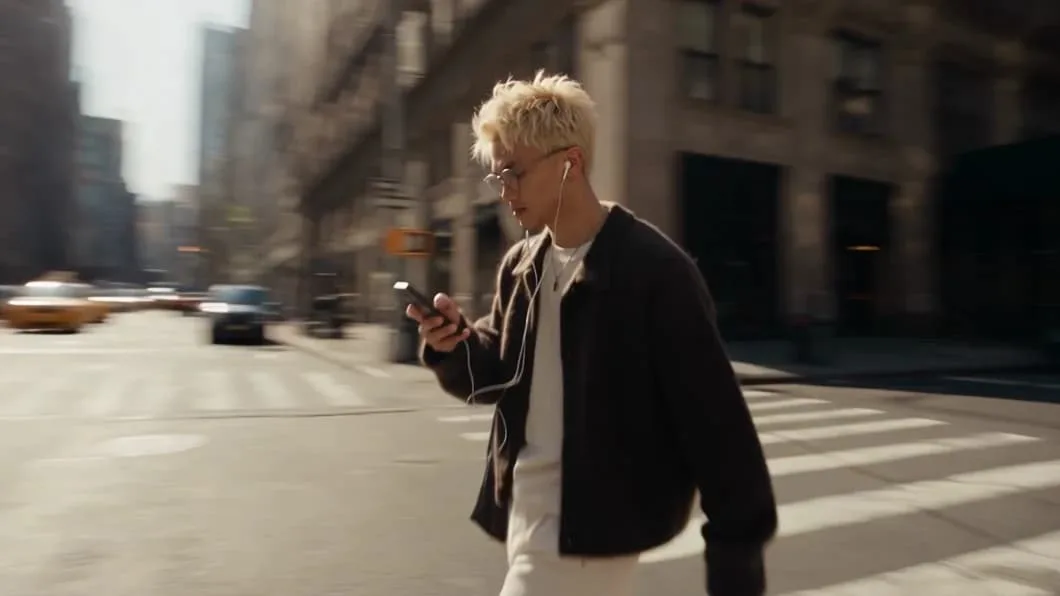
Choose 9:16 for Reels, Shorts and TikTok, 1:1 for feeds or 16:9 for YouTube. Generate a few MAGI-2 takes from the same prompt, keep the best one and download the MP4.
How MAGI-2 compares with the other video models you can use on Nano Bananana, using the limits of this site.
| Feature | MAGI-2 | Seedance 2.5 | Seedance 2.0 |
|---|---|---|---|
| Clip length | 4–30 s | 4–30 s | 4–15 s |
| Resolution | 1080p | 480p, 720p, 1080p | 480p, 720p, 1080p |
| Sound | Always on | Off on this site | Off on this site |
| Credits per second at 1080p | 5 | 45 | 29 |
Pick MAGI-2 for long 1080p takes with dialogue and sound designed in from the start, at the lowest 1080p price per second on this site. Pick Seedance when you want a lower resolution or a silent clip.
Three steps from prompt to finished clip.
Write who is on screen, what happens, how the camera moves and what we should hear. MAGI-2 reads spoken lines and sound cues as part of the prompt.
Upload a first frame, and optionally a last frame, to pin the opening and closing shot, or add up to 10 reference images to keep a character or product consistent.
Choose 4 to 30 seconds and one of six aspect ratios, then press Generate. The button shows the credits first. MAGI-2 needs about 13–20 minutes, so feel free to leave and come back to My videos.
Small habits that make MAGI-2 follow your idea more closely.
Start with who or what is on screen and the main action, then add setting, light and mood.
Name it plainly: slow dolly-in, handheld follow, static wide or aerial glide.
Put spoken lines in quotes and say who speaks them, so MAGI-2 can sync the lips.
Rain on glass, a busy café, a low synth pad: MAGI-2 generates the audio you describe.
For 20 to 30 seconds, list shots in order and keep each description short.
Keep the same reference images across takes to hold a face, outfit or product steady.
Write a scene, press Generate and come back to a 1080p MAGI-2 clip with sound.
Try MAGI-2 now
Create stunning AI videos with Google Veo 3. Choose between fast and quality modes. Generate professional videos from text prompts.

Create AI videos with OpenAI Sora 2 Pro. Professional video generation with adjustable duration and quality settings.

Generate professional AI videos with ByteDance Seedance 2.0. Multimodal referencing, realistic physics, visual consistency, and seamless video extension — all in one model.